
Register for Creators API
Before you register for the Creators API, you must have an Amazon Associates account that has been reviewed and received final acceptance into the Amazon Associates Program.
If you do not have an Amazon Associates account, you must sign up for Amazon Associates. For more information, see Sign up as an Amazon Associate.
You can request for final acceptance by completing the Associates Contact Us form and providing details about why you require access to the Creators API. For more information, see Contact Us.
Creators API sign up is available only to associates who have referred qualified sales and have been accepted into the program.
This guide helps you get started with the Creators API. You can advertise products from the Amazon marketplace in which you have signed up as a fully accepted Amazon Associate.
To sign up for the Creators API
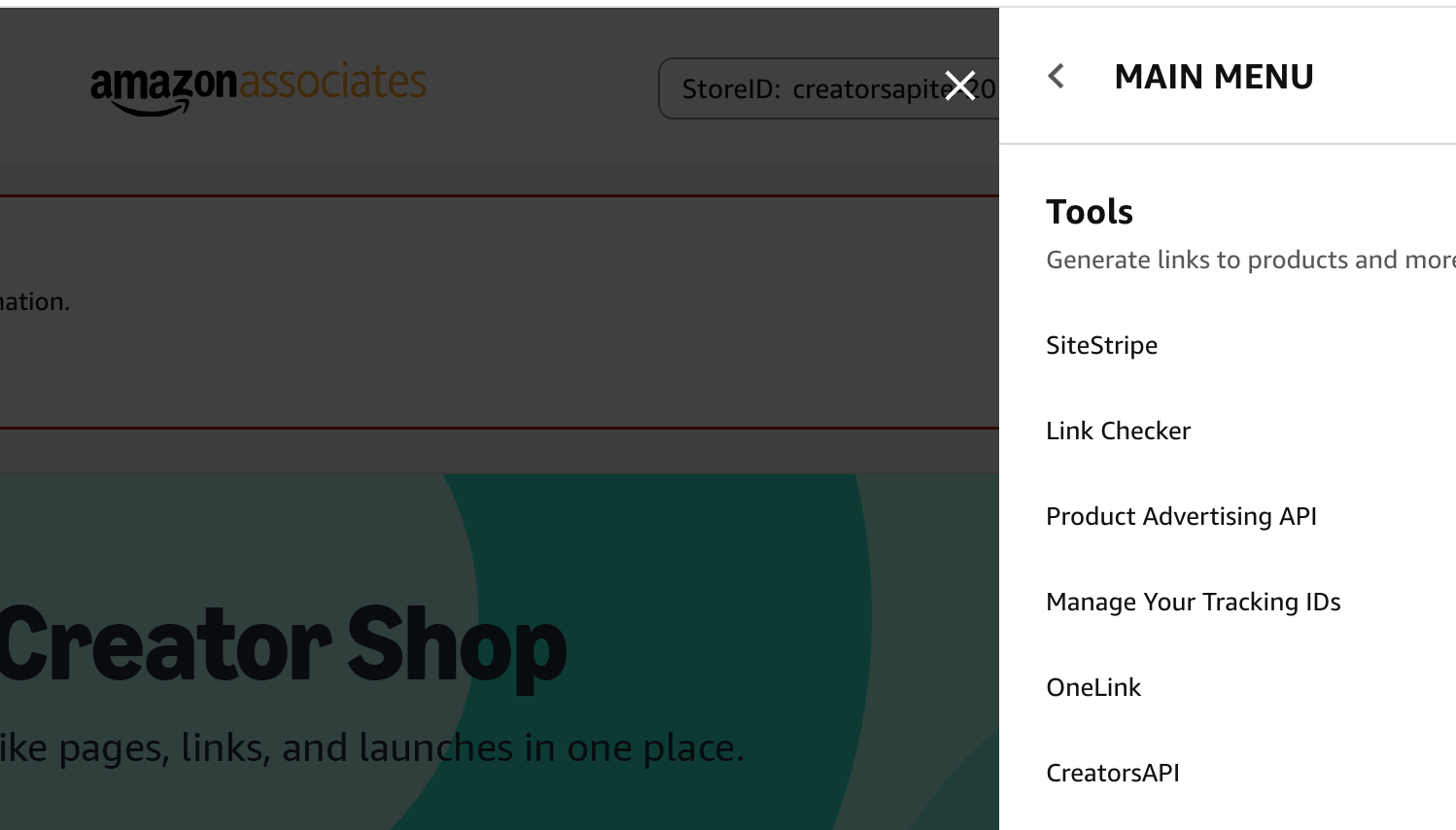
After you sign-in to your Amazon Associates account, in the Amazon Associates page, choose Tools and then choose Creators API.
Only the primary account owner of the Amazon Associates account can sign up for the Creators API.
Choose Create Application.

Enter Application name.

You can add new credentials. In the box, copy your Credential ID, Secret, and Version or download them to CSV. You specify these credentials when you make requests to the Creators API.

Frequently Asked Questions
How do I begin onboarding to Creators API?
We suggest navigating to our documentation to familiarize yourself with our new API and downloading the appropriate SDKs to get started with integration.
How do I create applications and credentials?
In the Applications section above, create a new application by selecting the "Create App" button, add a name for your new application, and click "Add New Credential" to generate credentials. Make sure to copy and save the credential keys to a safe place.
How many applications can I create?
Currently, you can create a maximum of two applications per store.
How many credentials can I generate?
Each application can have up to two sets of credentials.
Can I delete applications and credentials?
Yes, you can delete an application after deleting all its associated credentials.